A player's setup notes
BGD8 Mobile Access Guide
A player's setup notes for BGD8: the Android app is about 28 MB, while iPhone users can save the site through Safari. Both options connect to the same account, balance and promotions available on the main site.
Check your device before starting
The Android version works on modest phones when they meet these requirements:
- Android 7.0 or later
- 2 GB of RAM
- At least 100 MB of free storage
- 3G, 4G or Wi-Fi connection
For iPhone access, the home-screen shortcut requires iOS 15 or newer. A stable connection also helps when opening the mobile betting area.
Put the Android version on your phone
The APK is provided through the official BGD8 website because Google Play does not list betting apps in Bangladesh. Open the site in Chrome, choose Android App, approve the installation once, then launch it and use your usual login details.
Once the first sign-in is complete, return to Chrome's settings and disable the Install unknown apps permission again.
Create an iPhone home-screen entry
In Safari, open BGD8, press Share and select Add to Home Screen. The resulting icon opens the service in a full-screen view, with Face ID login and push alerts supported on iOS 16.4 and later.
Mobile tools compared with the site
The app adds several practical functions, while core access to casino games and other BGD8 sections remains available in the browser.
| Mobile function | BGD8 app | Browser access |
|---|---|---|
| Fingerprint login | Yes | No |
| Push alerts | Yes | iOS shortcut only |
| Data saver | Yes | No |
| Quick bet | Yes | Yes |
| Opening time | About 2 seconds | 3 to 5 seconds |
Estimate your mobile data use
Sports and slots generally use about 5 MB per hour. Live casino video consumes 300 to 500 MB per hour in HD, or about 150 MB per hour when data saver mode is selected. You can review related payment information separately from the app's data settings.
Solve the common setup problems
Installation usually stops for a clear reason. Phones below Android 7.0 cannot run the app, less than 100 MB of available storage prevents completion, and Chrome may pause the file until installation permission is granted.
Remove unused files and download the APK again if needed. When games fail to open after installation, clearing the app cache usually refreshes it without signing you out. The slots section can then be opened again from the app.
Control alerts from the app
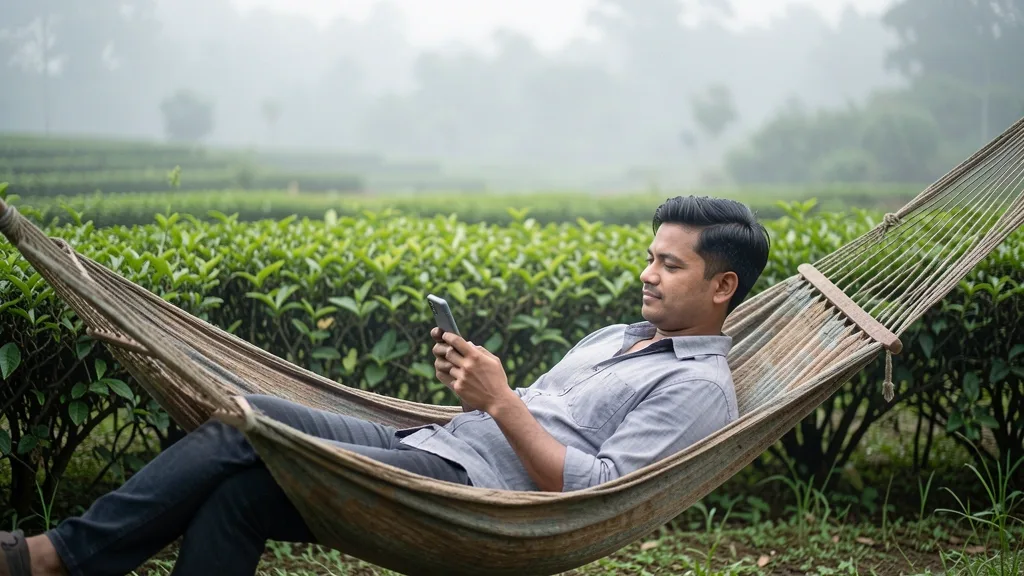
BGD8 can notify you about the toss, the beginning of each innings and the final result for teams you follow. Bonus offers and cashback reminders are delivered once each week.
Use the app settings to enable or disable notifications. Phones with strict battery-saving rules may also need background permission so alerts arrive on time. Current offers can be viewed in the bonus section.
Explore BGD8 sections
Questions about the mobile version
Does BGD8 charge for the app?
No. Downloading the app and receiving its updates has no separate charge.
What permissions does the APK request?
The official file requests storage and notification access. Avoid APK copies shared through chats or unofficial pages.
Are updates automatic?
Updates download in the background and are installed after one tap.
Are mobile users given a separate bonus?
No. Promotions are the same in the BGD8 app and on the website.
What blocks an Android installation?
The usual causes are Android below version 7.0 or insufficient free storage.
Can one account be used on two phones?
Yes. Each additional phone requests an SMS code once during sign-in.
Your guide to BGD8 in Bangladesh
18+18+ only. Gambling involves financial risk.